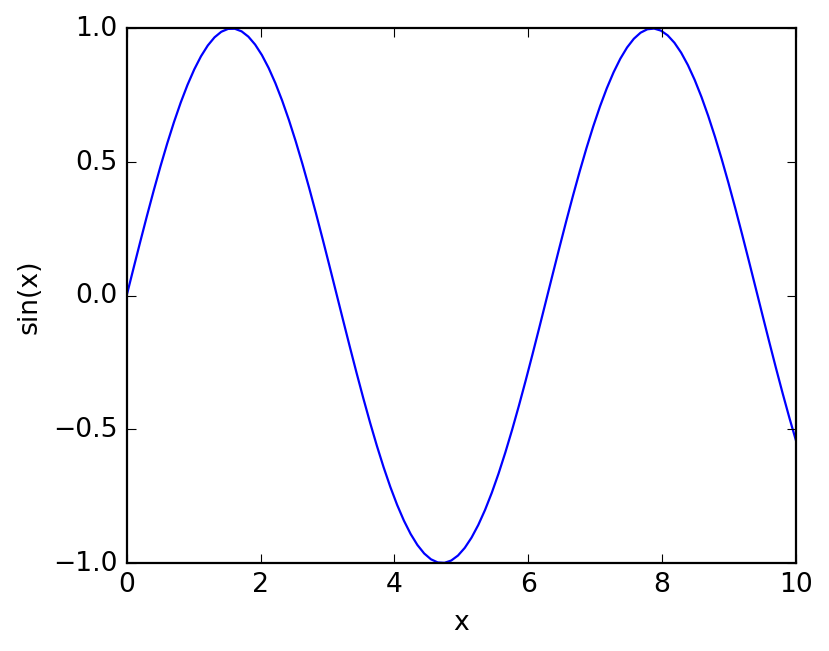
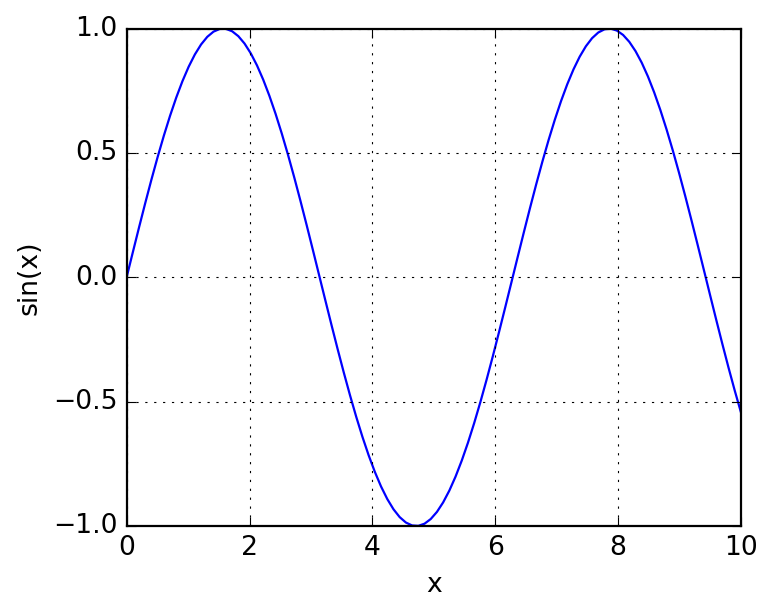
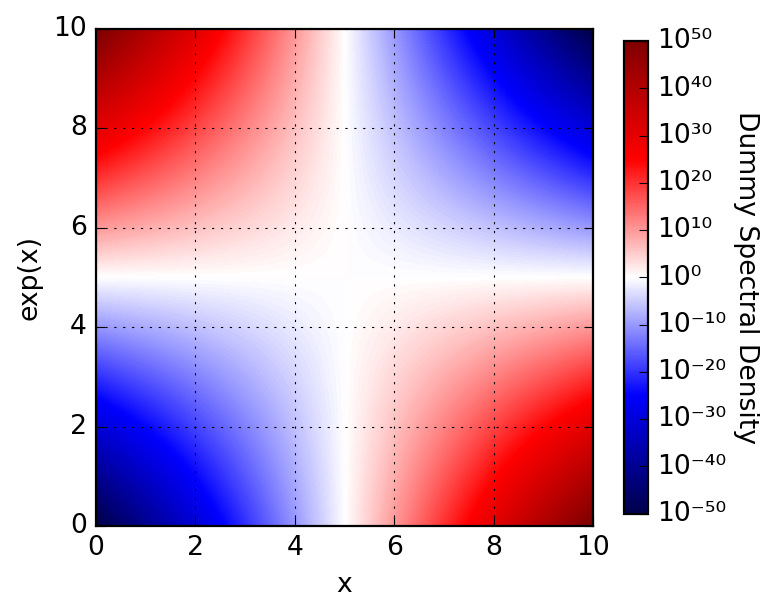
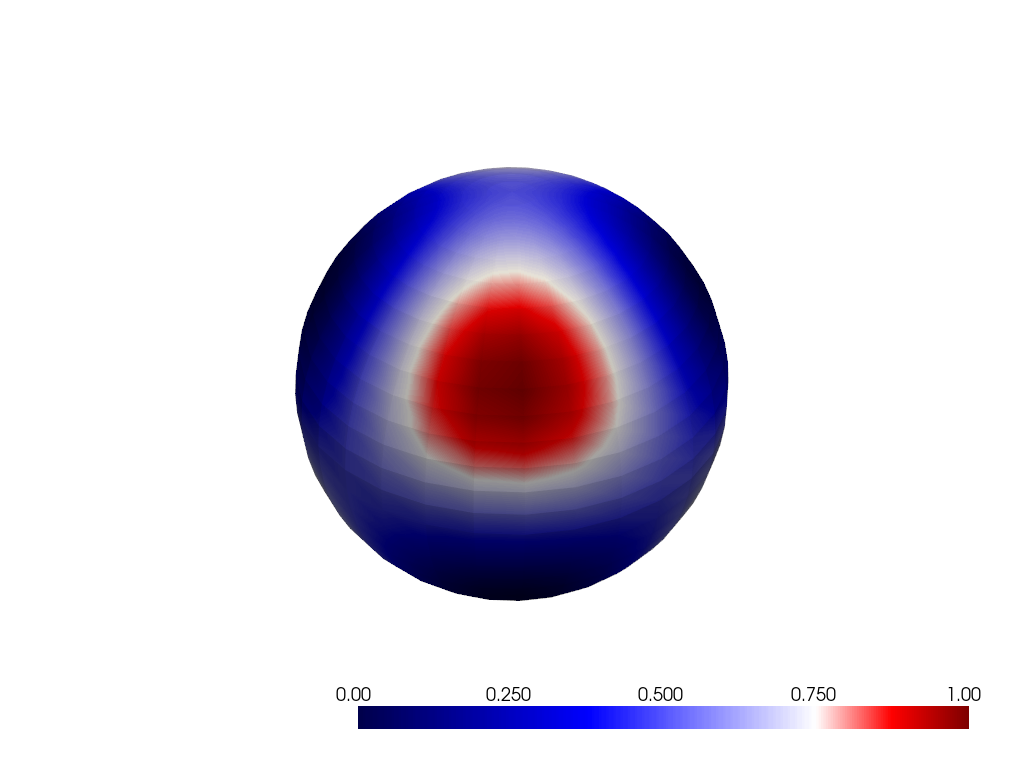
One might ask why a wrapper around Matplotlib’s Figure and Axes is necessary, and I would strongly agree that it isn’t. However, keeping all the plots in a report consistent is a huge effort, and being able to standardize the plots without having to write new themes is a nice feature. That’s the main goal of MajordomePlot: simplifying the plotting of publication-quality figures across Majordome (and beyond!). Below we illustrate how to use this functionality to ensure all the plots in a project look the same.
Provides a handle for creating and managing plots using Matplotlib. It is aimed at standardizing the plot creation process across the Majordome framework.
Parameters
shape : tuple[int, int] = (1, 1)
Shape of the plot as (n_rows, n_cols).
style : str='classic'
Matplotlib style to use for the plot.
size : tuple[float, float] |None=None
Size of the plot in inches as (width, height). If None, the default size will be used.
xlabel : str|list[str] |None=None
Label(s) for the x-axis. If a list is provided, each subplot will get its own label.
ylabel : str|list[str] |None=None
Label(s) for the y-axis. If a list is provided, each subplot will get its own label.
Let’s see how one would expect to use it from the above constructor signature. This is in fact almost the same as calling plt.subplots(), and that is what the constructor does under the hood. This is a negative example actually, the author has never used the constructor directly, but instead uses the new classmethod, which is a much more convenient way to create a plot. More on that later.
The story behind this class dates a few years back, when I was learning about Python decorators. As an exercise, I coded what later became the new classmethod, which is a decorator that creates a new MajordomePlot and passes it to the decorated function. This is a very convenient way to create plots, as it allows you to focus on the plotting code and not worry about the boilerplate of creating the plot and setting the labels.
Matplotlib style to use for the plot. By default “classic”.
sharex : bool=True
Whether to share x-axis among subplots.
facecolor : str='white'
Face color of the figure.
grid : bool=True
Whether to display grid lines.
size : tuple[float, float] |None=None
Size of the plot in inches as (width, height). If None, the default size will be used. By default None.
xlabel : str|list[str] |None=None
Label(s) for the x-axis. If a list is provided, each subplot will get its own label. By default None.
ylabel : str|list[str] |None=None
Label(s) for the y-axis. If a list is provided, each subplot will get its own label. By default None.
In the following example, we make use of this decorator to parametrize the labels of the plot. Internally, we must expect a keyword-only argument plot, which is the MajordomePlot instance created by the decorator, from which we can access the Figure and Axes objects as usual. The rest of the code is just standard Matplotlib code, with the exeption that the axes is raveled, so we can access it with ax[0] instead of ax[0, 0]. Returning plot is optional (it is done by the decorator already), but it avoids linting errors if you want to annotate the return type as MajordomePlot.
Here we create a function that will be used below in the examples. In summary, to get it working, you need to:
Use decorator @MajordomePlot.new with all its configurable attributes; for details, please refer to its API documentation.
Have a function with signature func(*args, plot=None, **kwargs) -> None, where it is recommended (for linter) to provide explictly keyword plot=None.
Unpack fig, ax = plot.subplots() or just _, ax = plot.subplots(), as needed, inside the figure; these contain standard matplotlib figure and axes.